On this page
- The business
- What Dave thought he had
- What I found on the old site
- Checking every account
- Rebuilding without losing a single old link
- Town pages that are about the town
- A design that feels like his business
- A site Dave can edit himself
- Reviews that keep themselves current
- Email set up properly
- Taking the web address back
- What changed
- What to check if someone else built your website
The short version
- The business: window film for homes, cottages and businesses within about three hours of Peterborough, with a 5.0 rating on Google.
- The problem: Dave thought GoDaddy’s AI builder had made his site. It was WordPress, hosted in the previous developer’s own account, and that account also controlled his web address settings and his email records.
- What I did: checked every account, stopped a website plan he wasn’t using from renewing, rebuilt every page from scratch, built the eight that were missing, kept or redirected all 34 old addresses, set up his email properly, and gave him an edit screen of his own.
- How long: seven days, from getting his logins on October 6 to launch on October 13, 2026.
The business
Dave installs window film on flat glass: films that cut heat and glare, privacy and frosted films, security film, decorative film and bird safety film. He’s based in Peterborough and works within about a three-hour drive, cottage country and boat-access islands included. He started the business in 2022, and his customers keep saying the same things about him on Google: on time, tidy, and the price he quoted.
The project started as a new design. Before it could go live, the old setup needed sorting out, and that turned up a list of things he didn’t know about his website.
What Dave thought he had
When Dave gave me his logins, I went through every account before touching anything. Most of what he believed was close. One part mattered a lot more than the rest.
| What Dave believed | What was true |
|---|---|
| His web address is in his GoDaddy account | True. It’s his, paid up to 2027, and locked so nobody can move it away. |
| His site was made with GoDaddy’s AI website builder | It was a WordPress site, on hosting inside the previous developer’s own account. |
| There was a mystery charge of about $60 from a company called name.com | That’s where his Google email subscription had been bought. No website and no web address there, just the email. |
| He owned one web address | He owned three. Two had never been used. |
| His website was in his own accounts | The website itself, and the settings that point his address at it and at his email, lived in the previous developer’s hosting account. That was the part he didn’t hold the keys to. |
Think of it like a house. The deed was in Dave’s name, so nobody could take the address from him. But the previous developer held the keys to the front door and the mailbox. Without those settings, I couldn’t even add the one line Google asks for to confirm you own your website.
What I found on the old site
Most of these are small on their own. Together they told customers, and Google, the wrong things about Dave’s business.
- A heading that said “Our service areas across Canada” on seven pages. Dave works within about three hours of Peterborough.
- “WHAT ARE Window Tinting?” as a heading on every town page.
- A card for shops and restaurants described as “living rooms, bedrooms, sunrooms”, copied from the card above it, on six pages.
- 2012 as the starting year on the About page, and “Since 2012” on the Lindsay page. The business started in 2022.
- The rating, project and years counters were written into the page as zeros and only counted up when someone scrolled down to them, so anything that read the page without running its script saw a zero rating. Once the count finished, they claimed 500+ projects and 15+ years.
- Four leftover template pages, “Heritage Home” and three copies of it, live and listed for Google to find.
- The developer’s own author page, titled with their email address, published on Dave’s web address and listed for Google too.
- A FAQ page with three questions.
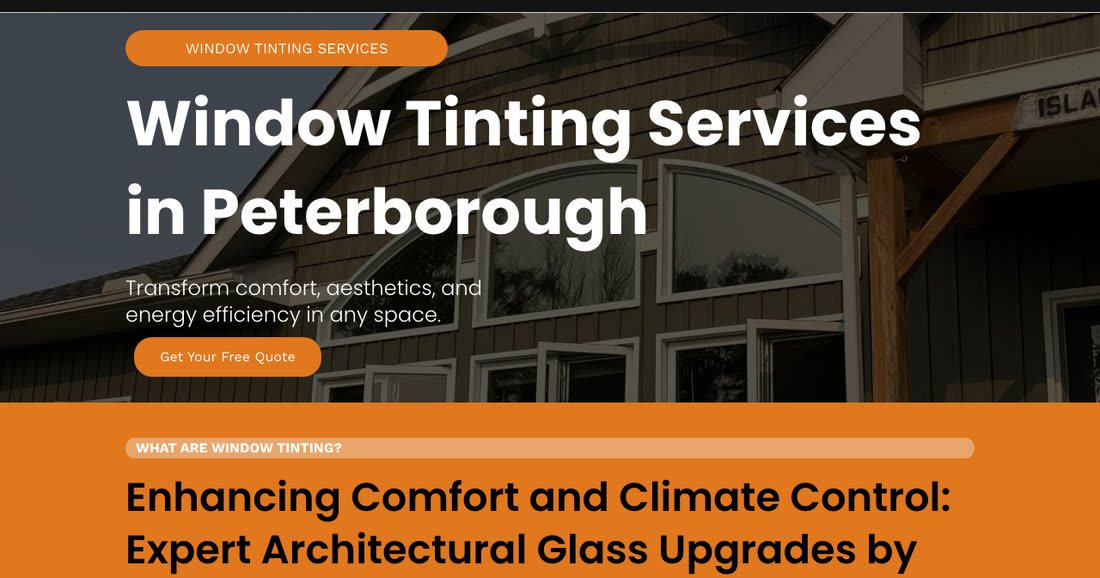
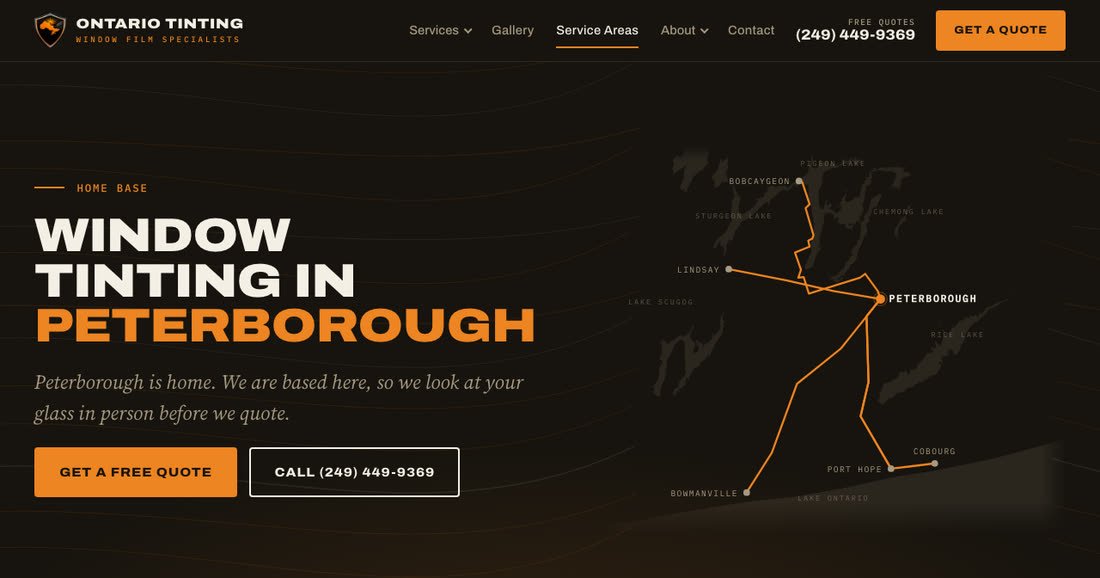
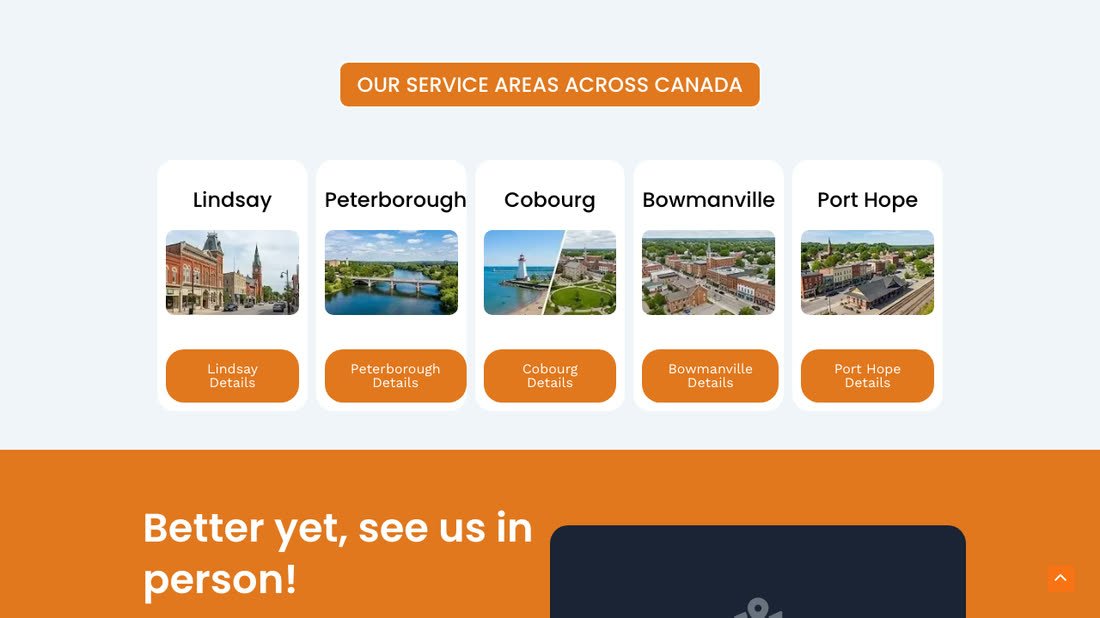
To be fair to the old site, it had five town pages, and those were worth keeping. People search by town name. I kept every one, and rebuilt each to say something true about that town.
Checking every account
Before changing anything, I checked who had access to Dave’s email. The previous developer had no account on it.
His GoDaddy account was paying for a website plan nobody was using: the original GoDaddy site from before the WordPress one, set to renew in 2028. I turned off its renewal rather than cancelling it, because cancelling ends the time he’d already paid for and refunds nothing. Now it simply runs out in June 2028 with no further charge. His three web addresses stayed on auto-renew, so they keep renewing on their own.
Rebuilding without losing a single old link
Every address on an old website is something Google already knows, and some of those addresses are how customers find you. Break them and a new site can quietly lose what the old one earned. So before building anything I found every old address I could: 34 of them, four of which only showed up in the Internet Archive’s copies of the site.
- 15 kept exactly the same address, because I built the new site with the same folder-style addresses as the old one.
- 19 point permanently to the closest new page, including the leftover template pages and the developer’s author page.
- 48 old addresses and spellings are tested on every check, and not one leads to a dead end.
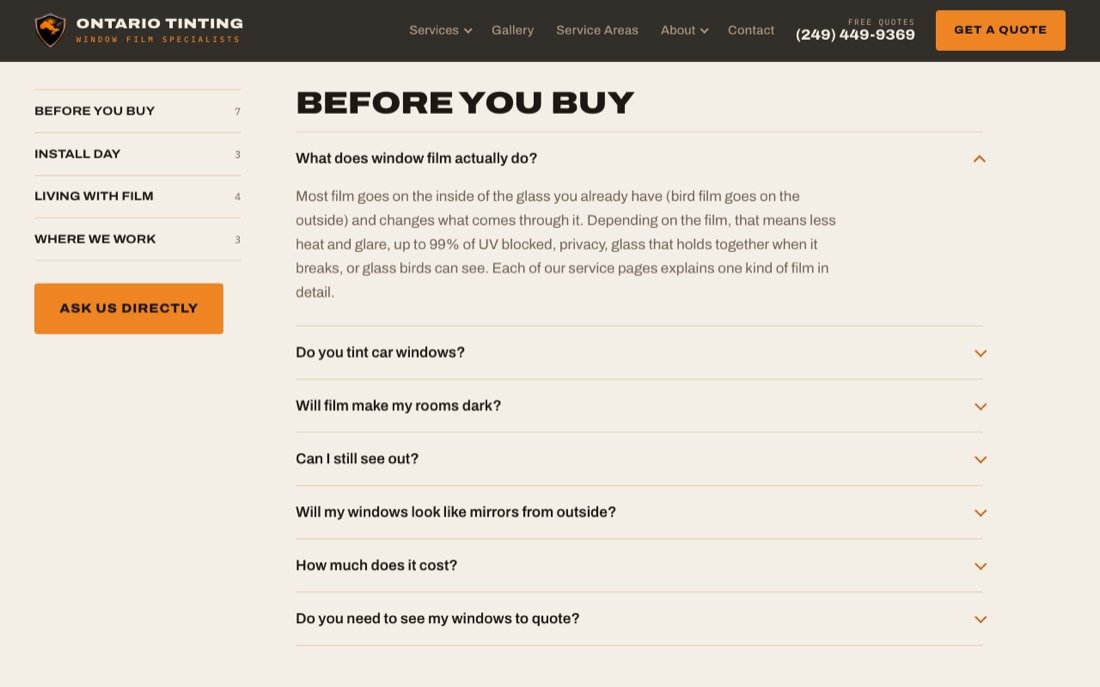
Eight of the old pages didn’t exist on my first version, so I built them in one day: five town pages, the FAQ, About, and a privacy film service page. I added a sixth town page, for Kawartha Lakes, at no charge.
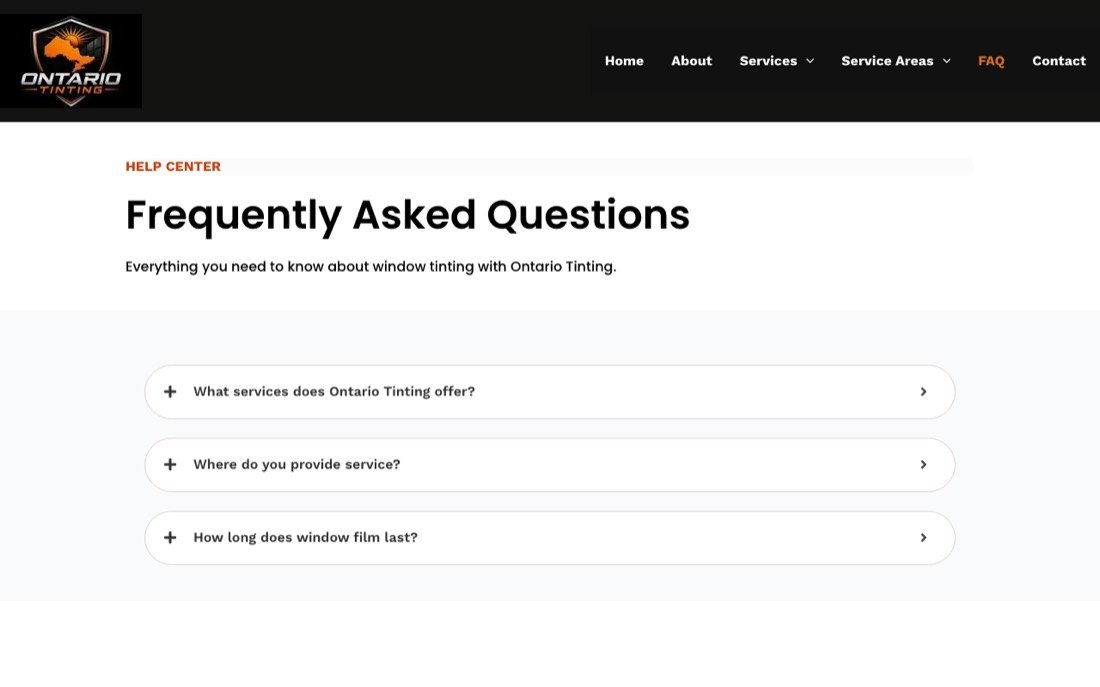
Town pages that are about the town
Each town page shows a map of the real drive from Peterborough, drawn from the actual roads and lake shores. A job photo only appears where the job really happened, and the review on each page is chosen for the problem it describes.
I also check my own work before a client sees it. Every page goes through a four-part review, and the fact-checking part caught a storefront I had placed in Cobourg that was really in Peterborough, plus a “Highway 28” that has been County Road 28 since 1998. Both were fixed before Dave ever saw them.
A design that feels like his business
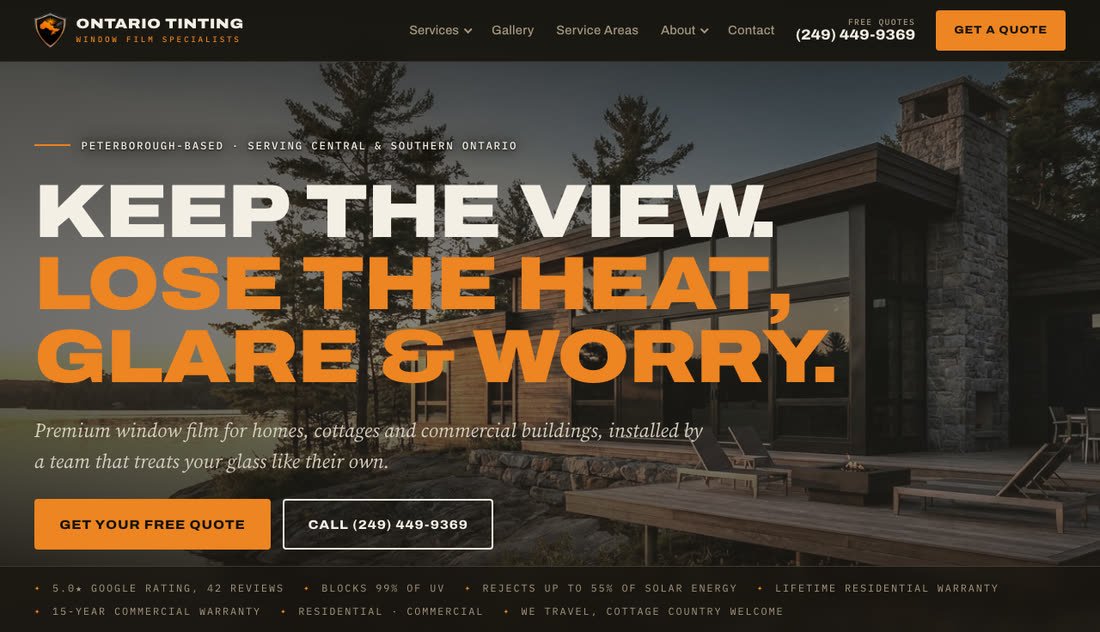
The colors come from Dave’s own shield logo: warm charcoal and sun orange, with heavy capitals and a slider you drag to see a room before and after film goes on. On October 7, Dave sent a new logo, and it went in the same day along with the rest of his changes.

A site Dave can edit himself
Dave has his own edit screen and signs in with his Google account. Every heading, paragraph, button and photo is a plain box he can change, deleting anything asks him first, and nothing goes live until he presses Publish. His phone number lives in one box, so changing it there updates all 113 call buttons on the site.
Reviews that keep themselves current
My first version of his site, from July, had the review count typed in by hand: 26. By October he had 41, and the site still said 26. Now it checks Google every Monday, adds any new five-star review word for word, and updates the rating and the count everywhere they appear. The first automatic check found 42.
Email set up properly
Dave’s email worked, but it was missing the records that prove to other mail servers that a message really came from him, called SPF and DKIM. Without them, more of his mail lands in spam, and his address is easier for someone else to fake. Both are set up now, and his mail passes all three standard checks (SPF, DKIM and DMARC).
Taking the web address back
On launch day I saved a copy of every public page of the old site first, then moved the web address settings out of the previous developer’s account and into Dave’s own GoDaddy account. The new site went live on October 13, 2026. I set up Google Search Console and Google Analytics the same afternoon, with Dave added as an owner of both, so the data about his business is his.
What changed
| Before | After | |
|---|---|---|
| Real pages | 15 | 18 |
| Town pages | 5 | 6, each with a map of the real drive from Peterborough |
| Questions answered on the FAQ page | 3 | 17 |
| Leftover template pages listed for Google | 4 | 0 |
| Pages carrying the developer’s name | 1 | 0, it now points to About |
| Who could change his web address settings | The previous developer | Dave, in his own GoDaddy account |
| Email checks (SPF and DKIM) | Not set up | Set up, and passing |
What to check if someone else built your website
None of this is unusual. If a developer or a web company set up your site, these are worth five minutes:
- Whose account is your web address in? It should be yours, in your name.
- Who controls the settings that point it at your website and email? If it’s your developer’s account, you can’t change anything without them.
- Who are the admins on your business email? Make sure it’s only people who should be.
- What are you paying for every year? Old website plans and unused domains keep renewing quietly.
- Is your email set up with SPF and DKIM? Your developer or email provider can tell you in a minute.
- Is anyone else’s name published on your website? Look for author pages and leftover template pages.
If you’d like me to look for you, text me. I’ll tell you what I find, whether or not you hire me.
